
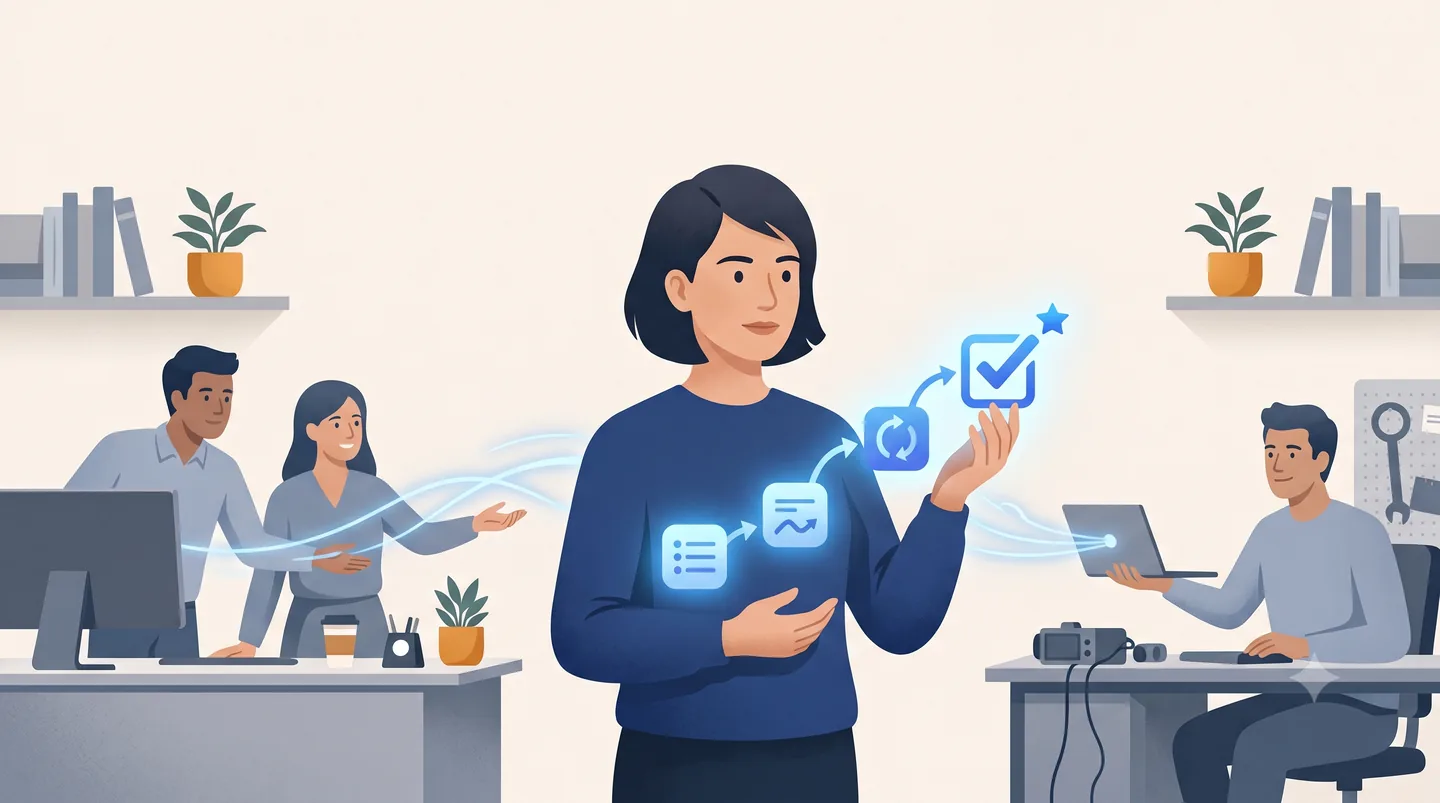
Once you have picked the workflow, the next decision is who builds it. There are several real options, and none is right for everyone. Here is the honest version.
Your options
- Build in-house. You own everything, if you have senior AI-build talent close to the business.
- Hire a team. A long timeline and real cost.
- A big consultancy. Plenty of capacity and a known brand, but often not strong on modern AI.
- A platform like Palantir. Powerful, but rented, and you are locked in.
- An embedded partner. Senior people working on your systems, you own the result, no lock-in. This is what we do, Forward Deployed AI Engineering.
What it actually takes to build one
Whichever path you pick, the same parts have to come together. This is what "senior AI-build capacity" means in practice, and knowing it lets you judge either path honestly.
- A model, or a few. You do not train your own. You use a frontier model, Claude from Anthropic, GPT from OpenAI, or Gemini from Google, and pick the one that fits each task. Sometimes a smaller or custom-tuned model handles a narrow step for less. The model is a component you choose, not the product.
- Your data, fed in. The model has to work from your documents and your facts, not its training. That means feeding it the real inputs, the referral, the invoice, the ticket, and only what it needs.
- A rules layer. The decisions that must be explainable do not go to the model. They go to fixed, written-down rules, so the same input always gives the same answer and you can show your work.
- A place for a person to sign off. A screen where someone reviews the recommendation, sees the source document, and accepts, holds, or declines.
- Authentication. Named sign-ins, so every action is tied to a real person and logged. In a regulated business this is not optional.
- Validation. Before anything ships it is tested against a set of known-correct examples. In the case that meant 51 sample referrals with known answers, plus a cross-check between the model and the rules that forces a human review whenever the two disagree. This test rig is part of what people mean by the harness, below.
- A security boundary. It all runs inside your own cloud account under the right agreements, so sensitive data never leaves and never trains anyone's model.
None of this is exotic, but it takes senior people who have done it before. If you have that in-house, build it yourself. If you do not, that is what a partner brings.
You will hear technical buyers ask whether you are "running in your own harness." It is a real test, and worth understanding. A raw AI model is a strong improviser with no seatbelt: it will confidently do the wrong thing, forget what it did a step ago, and cannot touch your systems on its own. The model is the engine. The harness is all the engineering around it that turns that engine into something that does real work, reliably, inside your environment. It does five jobs:
- Context. Feeds the model your code, data, and documents, so it works on your reality, not the internet's average.
- Tools. Lets it actually do things, run code, query a system, take an action, instead of only describing them.
- The loop. Plan, act, check, repeat, so it finishes multi-step work instead of firing off one confident guess.
- Routing and caching. Sends each task to the model best suited to it and reuses prior work, so it stays fast and the bill stays sane.
- Review and verify. An independent check before anything ships. This is what catches the confident mistakes before they reach production.
You do not buy a harness off a shelf. A serious build partner brings a battle-tested one and tunes it to your codebase, your rules, and your release process. If you build in-house, this is one of the capabilities you have to build too. Either way, it is where "AI" quietly becomes engineering.
How to judge a partner
Look for:
- Senior people who do the actual work.
- A track record of shipping to production they can show you.
- Clear ownership of what they build, on your systems.
- No new platform you have to buy.
- Real, measured results.
- A start that is small and priced to the return.
Watch for the opposite: they cannot tell you who does the work, they lead with a platform you would rent, they are vague about who owns the IP, or they only have demos and no production references.
What it costs
Cost depends on the workflow and your organization, so a rate card would not tell you anything useful. What stays the same is the shape:
- Start with a free working session.
- Then a fixed-fee first project on one workflow, low five figures, credited toward production.
- Then it grows with the scope.
You judge it on the return, not the invoice.